How to Create Clear, Consistent Receipts for a Small Business
A receipt is often the final document a customer receives after a purchase, yet it can become important again weeks or months later. Someone may need to check what they paid for, locate a transaction…
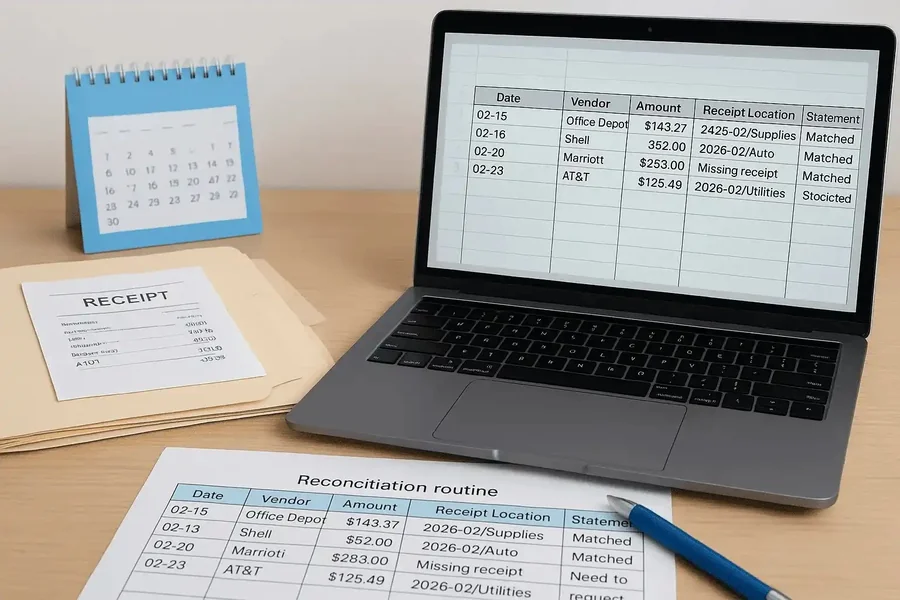
A receipt is often the final document a customer receives after a purchase, yet it can become important again weeks or months later. Someone may need to check what they paid for, locate a transaction or match a payment to a business record. A useful receipt makes those ordinary tasks straightforward.
For a small business, consistency matters as much as appearance. A familiar layout helps customers find the same details each time, while a repeatable preparation process reduces avoidable mistakes. The goal is to produce a readable record of an actual transaction and keep a copy that remains easy to retrieve.
Begin with the transaction details
Before choosing fonts or adding a logo, gather the information the document needs to communicate. Start with the business identity, transaction date, items or services supplied, amount received and payment method. Add a receipt reference that fits your existing system so the document can be connected to the relevant order or invoice.
Keep the wording specific enough for someone outside the business to understand. A description such as “two hours of garden maintenance” conveys more than “services.” Where several items were purchased, use separate lines rather than combining everything into one vague entry. The customer should be able to follow how the final amount relates to the purchase.
Check the information against the transaction record before entering it. Confirm names, quantities and payment status, especially when an order was changed or only partly paid. Resolve missing details at this stage rather than filling them from memory simply to complete the layout.
Choose a tool around your everyday workflow
A receipt maker such as ReceiptsApps can provide a structured starting point for businesses that want to prepare their own customer receipts. Its website describes editable line items, customizable business details and downloadable files. Those functions are useful to evaluate against the documents your business actually issues, rather than choosing a tool solely for its visual templates.
When comparing a receipt generator with your current process, test how easily you can enter an ordinary sale, review the result and save the finished document. Use clearly marked sample information while evaluating the workflow. Check whether the output remains readable on a phone and when printed at the size you normally use.
Consider who will prepare the receipts. A sole trader may prioritize a quick mobile workflow, while a small team may need agreed naming conventions and review steps. Decide which information should stay consistent and which details change with each sale. A good fit is a process people can follow reliably during a busy working day.
Build a layout customers can scan
Arrange the receipt in the order a reader is likely to need it: business details, transaction reference, purchase details and payment summary. Give the amount paid a clear label. Keep contact information easy to find so a customer knows where to direct a question without searching through old messages.
Use a restrained design. A logo can identify the business, but it should leave enough room for descriptions and amounts. Choose legible text, consistent alignment and sufficient spacing between sections. If a long description wraps onto another line, make sure it is still obvious which quantity and price belong to it.
Preview an example with several items as well as a short one-item receipt. This can reveal awkward page breaks, clipped text or a total pushed too far from the purchase details. Review the exported file itself; an editor preview is not the document the customer will ultimately receive.
Check the numbers and payment status
Treat automatic calculations as a convenience that still needs review. Compare quantities and prices with the agreed order, then check how discounts, taxes or other charges have been entered. Confirm the currency and make sure labels describe the figures accurately. Use the tax treatment applicable to the transaction rather than assuming a template’s default setting is correct.
For a simple example, imagine a service business receiving a deposit toward a larger job. Its receipt should clearly identify the payment received and connect it to the relevant job reference. If the remaining balance is shown, label it separately so the document does not suggest that the entire job has been paid for.
A short review sequence helps: check the business details, transaction reference, line items, calculations and amount received in the same order each time. When someone else prepares the document, decide which situations need a second review. Unusual discounts or amended orders may deserve more attention than a routine repeat sale.
Connect receipts with supporting records
For U.S. businesses, IRS recordkeeping guidance explains that receipts and other supporting documents underpin entries in business books and tax returns. It also notes that a combination of documents may be needed to establish the details of a purchase or expense. A formatted receipt therefore belongs within a broader recordkeeping process.
Choose a consistent way to connect each issued receipt with its source transaction. For example, the order reference can appear in the receipt record and the folder holding related documents. Preserve the relevant payment confirmation and original order information alongside the issued copy so later questions can be investigated without reconstructing the transaction.
When a customer requests another copy, retrieve the existing receipt where possible. Keep the same transaction reference and make the duplicate status clear when appropriate. If information needs correction, retain a traceable record of the change rather than silently replacing the history. Agree this process with whoever maintains the business records.
Make delivery and storage part of the routine
Confirm the customer’s delivery preference and check the recipient details before sending a digital copy. Open the attachment to verify that it contains the intended transaction. Avoid including unrelated customer information or internal notes in the exported document. A brief final check can prevent an otherwise accurate receipt from reaching the wrong person.
Use a consistent filename that includes the receipt reference and enough context to identify the file. Store finished documents separately from practice files and unfinished drafts. Decide who can access the records and maintain a backup process. Periodically test whether an older receipt can actually be found and opened.
If several people issue receipts, write down the steps in a short internal guide. Include where to find approved business details, how to assign references and where final copies belong. Update the guide when the workflow changes so new staff do not have to infer the process from a collection of old files.
Keep the process simple and dependable
Clear receipts come from accurate information, readable presentation and a routine that continues after the document is created. Start with the transaction, use a consistent layout, review the result and save the issued copy with its supporting records. The most useful setup is one that makes these steps easy to repeat.
Review the process whenever customers repeatedly ask the same question. An unclear payment label, missing reference or difficult-to-read description is an opportunity to improve the template. Small changes made deliberately can make receipts easier for customers to understand and easier for the business to manage.