Smart Ways to Keep Your Office Organized and Important Documents Secure
Keeping important documents secure is essential for an organized office. Implement effective filing systems, document retention policies, and security…
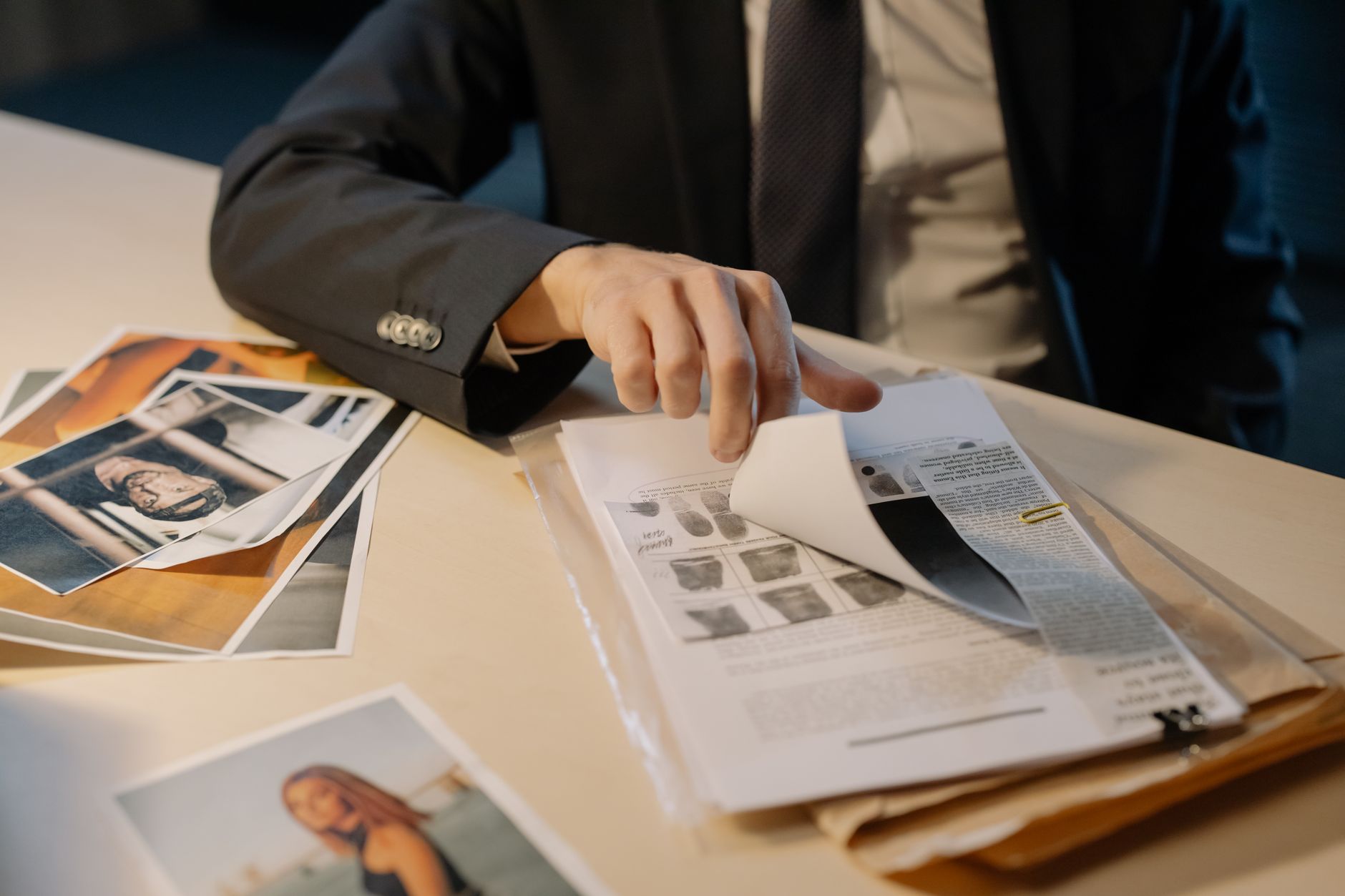
An office can look organized while important documents remain hard to find. A signed agreement might be buried in a filing cabinet, employee records may be mixed with outdated paperwork, and several versions of the same document could exist across different computers. These small inefficiencies become significant when employees need information quickly.
Keeping an office organized requires more than clean desks and labeled folders. Businesses need practical systems to manage paperwork, control access to confidential information, and decide which records deserve long-term storage. When these processes are established properly, employees spend less time on administrative tasks and more time doing their actual work.
Build a Filing System That Reflects Daily Operations
A filing system should reflect how employees retrieve information, not just how they create documents. Alphabetizing everything might seem convenient, but it becomes inefficient when someone needs all records for a particular client, department, or project. Start by separating documents into recognizable categories, such as financial records, contracts, personnel files, and operational paperwork. Within each category, organize materials according to how frequently they are accessed. Keep current projects readily accessible, while moving completed work into designated archives.
Consistency matters, especially when several employees handle the same records. Clear naming conventions, filing procedures, and document ownership prevent information from ending up in different locations. Digital files deserve similar attention. Including dates, project names, and document types in filenames makes records easier to identify without opening several versions to find the correct one.
Separate Active Documents From Long-Term Records
One overlooked cause of office clutter is the accumulation of documents that employees no longer use regularly. Completed contracts, historical invoices, and older administrative records often remain in cabinets because no one has established a process to move them elsewhere.
These materials may still have legal, financial, or operational value, but they don't need to take up valuable office space. Separating active files from archived records helps businesses keep them accessible without cluttering their workspace.
A practical starting point is to review how often each document category is requested. Keep records needed weekly easily accessible, while documents retrieved only occasionally may be better suited to secure archival storage. For organizations managing large volumes of physical paperwork, offsite records management can provide additional flexibility. Instead of expanding office storage indefinitely, businesses can use providers such as Corodata to store archived documents securely and retrieve them as needed. This approach is especially useful for companies that retain years of financial, administrative, or customer documentation.
Regardless of where records are stored, businesses should maintain an accurate inventory that identifies document locations, retention requirements, and authorized personnel. Moving paperwork into storage should never mean losing track of it.
Protect Sensitive Information During Everyday Activities
Document security is often associated with cybersecurity, but physical paperwork presents equally important concerns. Confidential employee information left near a printer, financial reports placed on shared desks, and unlocked cabinets can create unnecessary exposure.
Businesses should establish clear rules regarding who can access different categories of information. Personnel records, confidential agreements, and customer information should only be available to employees whose responsibilities require them. Physical security measures can be relatively straightforward. Lockable storage, restricted access to records rooms, and secure disposal containers help prevent unauthorized viewing or removal of sensitive documents.
Digital security requires additional precautions, including appropriate folder permissions, multifactor authentication, and reliable backups. Employees should also understand which platforms are approved for exchanging business information. Security policies must remain practical.
When accessing routine documents is overly restricted, employees may create workarounds that introduce new risks. The goal is to protect confidential information while letting authorized staff complete their responsibilities efficiently.
Establish Clear Rules for Document Retention and Disposal
Keeping every document indefinitely may seem cautious, but unnecessary retention creates extra administrative work and security risks. Older records take up storage space, complicate retrieval, and increase the amount of sensitive information a business must protect.
A document retention schedule provides a more consistent approach. It identifies which records must be preserved, how long they should remain available, and when they become eligible for disposal.
Retention requirements vary by the document's nature and applicable legal obligations. Tax records, employment documentation, and business agreements may have different requirements, so policies should reflect the organization's responsibilities. Once documents are eligible for disposal, businesses should consider whether they contain confidential information. Sensitive paperwork generally requires secure shredding rather than ordinary recycling.
Electronic records require similar attention. Deleting files from a computer doesn't always eliminate their underlying data, particularly when copies remain in backups or on retired equipment. A comprehensive disposal policy should address both physical and digital information.
Make Digital Organization Easier to Maintain
Digitizing paperwork can improve accessibility, but scanning documents without a clear organizational structure just moves the problem into another format. Employees may still struggle to locate information if files are stored inconsistently or scattered across multiple platforms. Before converting paper records, establish standardized naming conventions, access permissions, and storage locations.
A centralized document management system makes information easier to retrieve and reduces unnecessary duplication. Version control is another important consideration. When employees maintain separate copies of the same report, it becomes difficult to identify the most recent approved version. Designating one official location for shared documents helps prevent confusion.
Not every business needs to eliminate paper. A combination of digital accessibility and secure physical storage may be more practical, especially when you must retain original signatures or certain records.
Turn Organization Into a Routine Responsibility
Nevertheless, regardless of how well-designed a system might be, the success of that system would depend on the maintenance carried out by the employees themselves. Even such minor tasks as placing back documents, filing completed papers, and clearing away sensitive documents in the common areas could help you keep your environment clean.
It is also recommended that managers delegate duties for regular review of records. This way, any duplication, obsolete records, and archival material can be identified.
The efficiency of any office organization system is determined by how well one can get information without delay. It is a bad sign when looking for common information requires multiple phone calls and searching for it in different files.
Final Thoughts
Managing the office becomes very simple when there is a particular place assigned to each paper, use of that paper, and its lifespan. Proper filing, proper security measures, and proper disposal of papers help in managing everything in a smooth manner without harming the confidential information of the company. It is not the process of making anything difficult for record management but accessing the necessary information and securing the confidential papers from any unnecessary paperwork.