How to Choose the Right Fast Charger for Apple and Android Devices
Selecting the right fast charger is essential for optimizing charging speeds for both Apple and Android devices. Understand compatibility, wattage, and…
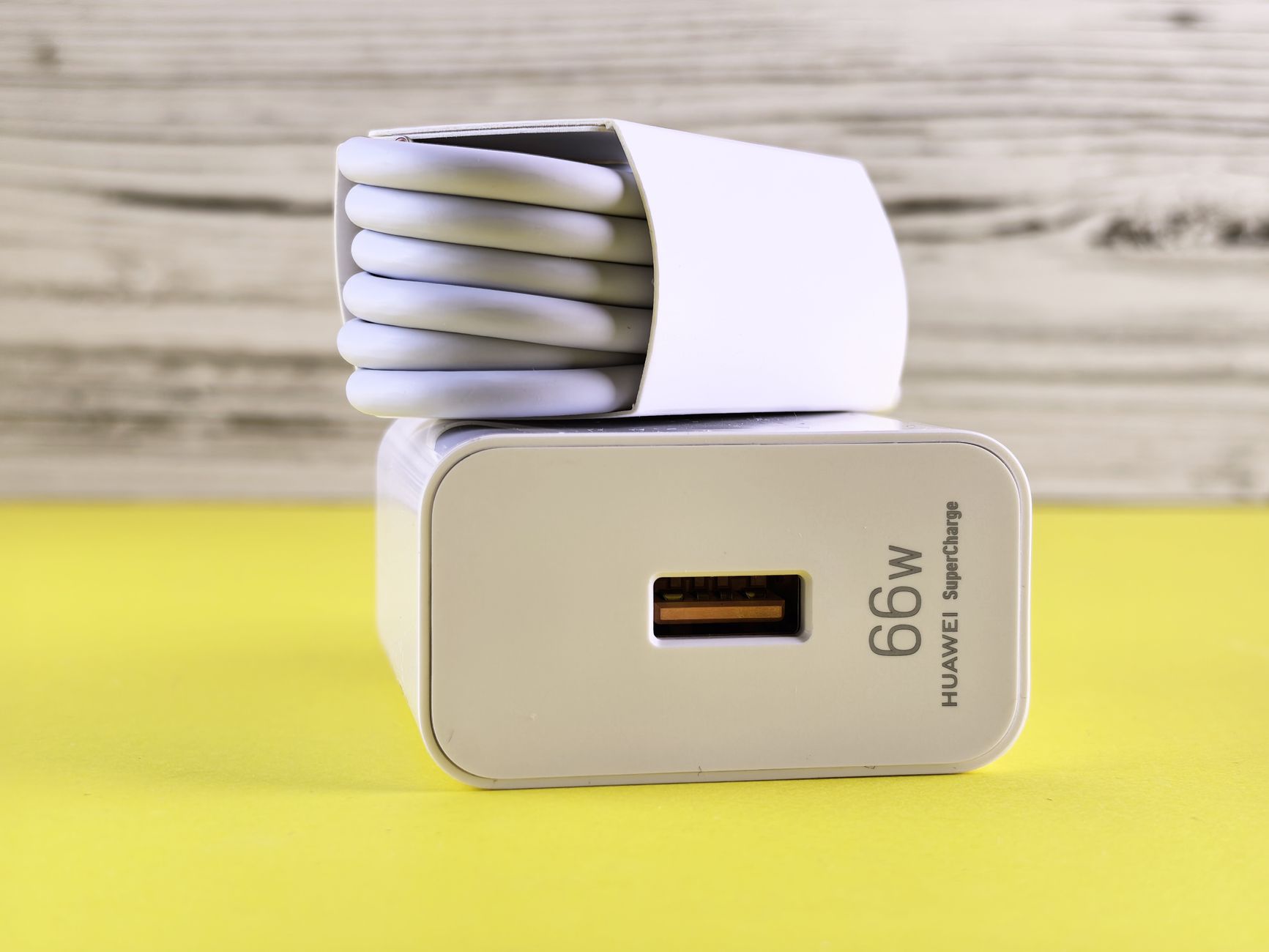
Charging a smartphone should be simple, but choosing the right adapter can be confusing when different devices support different charging speeds and standards. An Apple fast charger can help compatible Apple devices recharge efficiently, provided the adapter, cable, and device work together correctly. The same principle applies to Android phones, tablets, and other USB-powered electronics.
A charger with a high wattage rating is not automatically the fastest choice for every phone. Understanding power output, charging protocols, cable compatibility, and everyday usage can help you choose a reliable adapter without paying for features you do not need.
What Does Fast Charging Actually Mean?
Fast charging allows a compatible device to receive power at a higher rate than standard low-power charging. The device and charger communicate to determine a supported power level, while the phone's internal charging system manages the battery.
The maximum charging speed depends on several factors. These include the phone model, adapter output, cable rating, supported charging protocol, battery temperature, and current battery level. Many devices also reduce charging speed as the battery approaches full capacity.
For this reason, a charger advertised at 65W or 100W will not necessarily charge every smartphone at that power level. The device must support the relevant output and charging standard.
Why Wattage Matters
Watts measure power, and a charger's wattage rating indicates how much power it can potentially deliver under supported conditions. A low-wattage adapter may be sufficient for earbuds or a basic phone, while a tablet or laptop may benefit from a higher-output model.
A charger with more available power can be useful when it supports several devices, but it will not force a phone to accept more power than its charging system allows. The phone draws power according to its design and operating conditions.
Charging Speed Changes During the Day
Fast charging is not usually a constant process from an empty battery to a full one. Devices may accept more power when the battery is low and reduce it as charging progresses. Temperature and battery-management settings can also affect performance.
When comparing chargers, look for trustworthy specifications for your device rather than relying on general claims about charging a phone in a certain number of minutes.
Choosing a Fast Charger for Apple Devices
Apple devices use different charging requirements depending on the model. Recent iPhones and many iPads support USB-C charging, while older devices may require a different cable connection.
Before buying a charger, check the charging port on your device and the power requirements recommended by the manufacturer. A USB-C power adapter can be suitable for multiple devices, but the cable still needs to match the connector and charging requirements.
Features to Consider
USB-C Power Delivery: This widely used charging standard supports negotiated power levels between compatible chargers and devices. Check that the charger supports the required output for your device.
Appropriate wattage: Choose enough power for your phone or tablet without assuming that a larger number guarantees faster charging.
Port count: A multi-port charger can power several devices, but the available power may be shared when more than one port is in use.
Size and portability: A compact adapter with foldable prongs may be more convenient for commuting or travel.
Safety protections: Look for a reputable product with appropriate electrical and temperature protections, and avoid chargers with unclear specifications.
A charger that meets your everyday needs can be more practical than one selected solely for its maximum power rating.
What to Look for in an Android Charger
Android devices come from different manufacturers, and charging support varies widely between models. Some support standard USB Power Delivery, while others use additional charging technologies or proprietary high-speed systems.
A compatible Android charger should match your phone's supported charging protocol and power requirements. If a charger does not support the technology used by your phone, it may still charge the device but at a lower rate.
Check Your Phone's Charging Specifications
Start by checking the phone manufacturer's documentation. Confirm the supported maximum charging power, required cable type, and any recommended adapter specifications.
Some Android phones support fast charging at a particular wattage only with a compatible adapter and cable. A third-party adapter may work well for general charging but may not reach the phone's highest advertised speed if it lacks the required protocol.
Do not assume that every USB-C charger will provide identical results. The connector is only one part of the charging system.
Consider Multi-Device Charging
If you own an Android phone alongside earbuds, a tablet, or a laptop, a multi-port charger can reduce the number of adapters you need to carry. Check how much power each port provides individually and how the total output changes when multiple devices are connected.
For example, a charger may provide its maximum output through one USB-C port but distribute a lower amount when two or three devices are connected. This is normal for many multi-port designs, so review the specifications before relying on simultaneous fast charging.
Can One Charger Work for Apple and Android?
In many cases, a suitable USB-C charger can charge both Apple and Android devices. The important considerations are supported charging standards, the output available from the port, and the cable required by each device.
A USB-C Power Delivery charger may be a practical choice for a household with different phones and tablets. However, it may not support the maximum charging speed of every Android model, especially when that phone relies on a different fast-charging protocol.
If you want one adapter for several devices, consider a model with enough ports and output for your routine. A multi-port charger can reduce clutter, while separate adapters may be more convenient if devices require different charging arrangements.
Tips for Faster and More Reliable Charging
You can improve your charging routine by paying attention to the complete setup, not just the adapter.
- Use a charger that supports your device's charging standard.
- Choose a cable rated for the intended power and compatible with your device.
- Keep charging ports free of dust and debris, following the manufacturer's cleaning guidance.
- Avoid charging in direct sunlight or in areas where heat cannot escape.
- Check whether a case or accessory is contributing to unusual heat during charging.
- Avoid running demanding applications if you want the phone to devote more of its available power to charging.
- Replace damaged cables and adapters rather than continuing to use them.
If your phone charges more slowly than expected, check the adapter and cable specifications first. Also consider battery temperature, the current charge level, and any charging settings enabled on the device.
Common Mistakes When Buying a Fast Charger
One mistake is assuming that the highest wattage is always the best choice. A powerful laptop charger may work with a compatible phone, but the phone will still be limited by its supported charging system.
Another mistake is overlooking the cable. A cable that cannot support the required power or data and charging specification may limit performance.
It is also worth checking what comes with the product. Some adapters are sold without a cable, so you may need to purchase a compatible one separately.
Finally, avoid selecting a charger based on an unfamiliar brand's speed claims alone. Clear specifications, appropriate protections, and confirmed device compatibility are more useful indicators when comparing products.
Choose a Charger That Fits Your Devices
The right fast charger balances compatibility, power, portability, and safety. Apple and Android devices may share common charging standards, but their supported speeds and protocols can differ.
Start by checking the specifications of your phone and other devices. Then compare the charger's output, port configuration, cable requirements, and portability. If you regularly charge several devices, a multi-port adapter may help simplify your setup.
Does your current charger support the charging speed your phone is designed to use?
Frequently Asked Questions
Is a higher-wattage charger safe for a phone?
A reputable, compatible charger with suitable power-delivery and safety features can often charge a phone rated for lower power. The phone generally draws only the power it supports. Always check manufacturer guidance and avoid products with unclear specifications.
Can I use an Apple charger with an Android phone?
A compatible USB-C charger may work with an Android phone, but charging speed depends on the phone's supported standards, the adapter, and the cable. It may not provide the phone's maximum proprietary fast-charging speed.
Why is my phone charging slowly with a fast charger?
Possible reasons include an incompatible charging protocol, an unsuitable cable, high temperature, a high battery charge level, or a device setting that limits charging speed. Check each part of the setup.
Do I need to buy a new cable with a fast charger?
Not always. An existing cable may be suitable if it supports the required power and connector type. Check the cable specifications before relying on it for fast charging.