When Should You Replace a Phone Charger?
Chargers rarely fail without warning. They fray, loosen, slow down and warm up over months, and most of the signals are visible long before the device stops working altogether. The difficulty is deciding which of…
Chargers rarely fail without warning. They fray, loosen, slow down and warm up over months, and most of the signals are visible long before the device stops working altogether. The difficulty is deciding which of those signals matters and which is ordinary wear, and the useful question is not whether a charger looks old but whether it behaves differently from the day it came out of the box. A cable that has yellowed is not a hazard; a cable with exposed copper is. Knowing the difference saves both money and, occasionally, a small electrical fire.
Damage You Can See
Frayed Cables and Worn Connectors
Start with the cable, because it takes more abuse than the plug ever will. Look at the two points where it bends most, near the connector and where it leaves the strain relief, and check for exposed wires, a flattened jacket or a connector that has started to spin. Any exposed conductor is a reason to stop using it today, not to wrap it in tape and carry on. An iphone charger and its cable are a pair, and a damaged lead compromises the plug it is attached to. The strain relief is the rubber collar at each end, and a cable that has lost it will fail within weeks rather than months.
Cracked Casings and Bent Pins
The plug itself has its own warning signs. A casing that has cracked along a seam, a pin that has bent inside the socket, or a plug that rocks when seated is no longer making reliable contact. Bent pins generate heat at the point of contact, which is exactly where fires begin in cheap accessories. If the plug rattles when shaken, or smells faintly of hot plastic when idle, retire it. Casing damage is not cosmetic. A plug that rocks in the socket is also wearing the socket itself, and that is a more expensive repair than a new charger. A plug that rattles when shaken has already failed inside.
Changes in How It Charges
Slower Charging and Repeated Disconnections
A charger that once filled the phone in an hour and now takes three is telling you something, though not always what people assume. Before blaming the plug, check the cable, the socket and the phone’s own charging port for lint. If the same slowdown follows the charger from room to room and cable to cable, the electronics inside are ageing. Repeated disconnections, where the phone chimes and stops charging at the slightest movement, point to the same conclusion. A soft brush and a torch will settle the question of lint in a minute. A different socket in another room confirms whether the fault travels with the plug or belongs to the wall.
Heat Where There Was None Before
Warmth is normal during fast charging; heat at idle is not. Unplug the charger with nothing attached and leave it for ten minutes, then feel it. A unit that is noticeably warm with no load, or that has discoloured around the pins, is wasting energy as heat and is closer to failure than the others in the drawer. This is the one sign worth acting on immediately, because it has the least pleasant worst case. Discoloured plastic around the pins is the same message, only louder, and it does not improve with age. A charger that trips a socket or makes a lamp flicker is saying it more loudly still. Feel it after a long session rather than a short one, since a unit that is only warm at the end of an hour is doing its job.
A Charger That No Longer Fits
A New Phone With a Different Port
Sometimes nothing is broken and the charger is simply obsolete. A move from Lightning to USB-C leaves a perfectly healthy plug unable to connect without an adapter, and an adapter costs almost as much as a new cable. Keeping the old unit for travel is reasonable; keeping it as the main charger means carrying a dongle forever. When the phone changes, the accessories follow within a month or two. Adapters also add a failure point at exactly the joint that gets handled most, which is why they suit a travel bag better than a bedside table. An adapter is a temporary answer, not an arrangement.
Devices That Now Ask for More Power
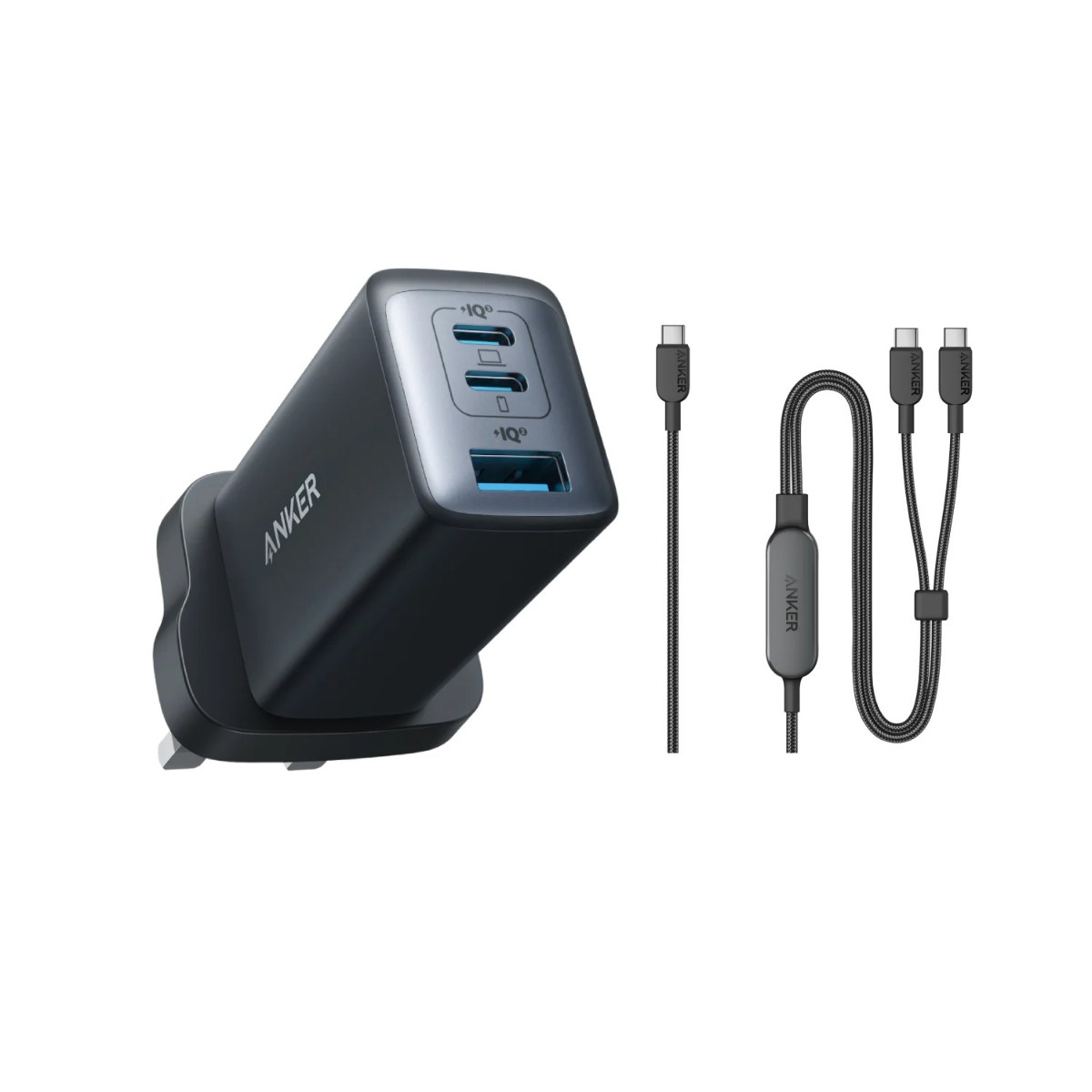
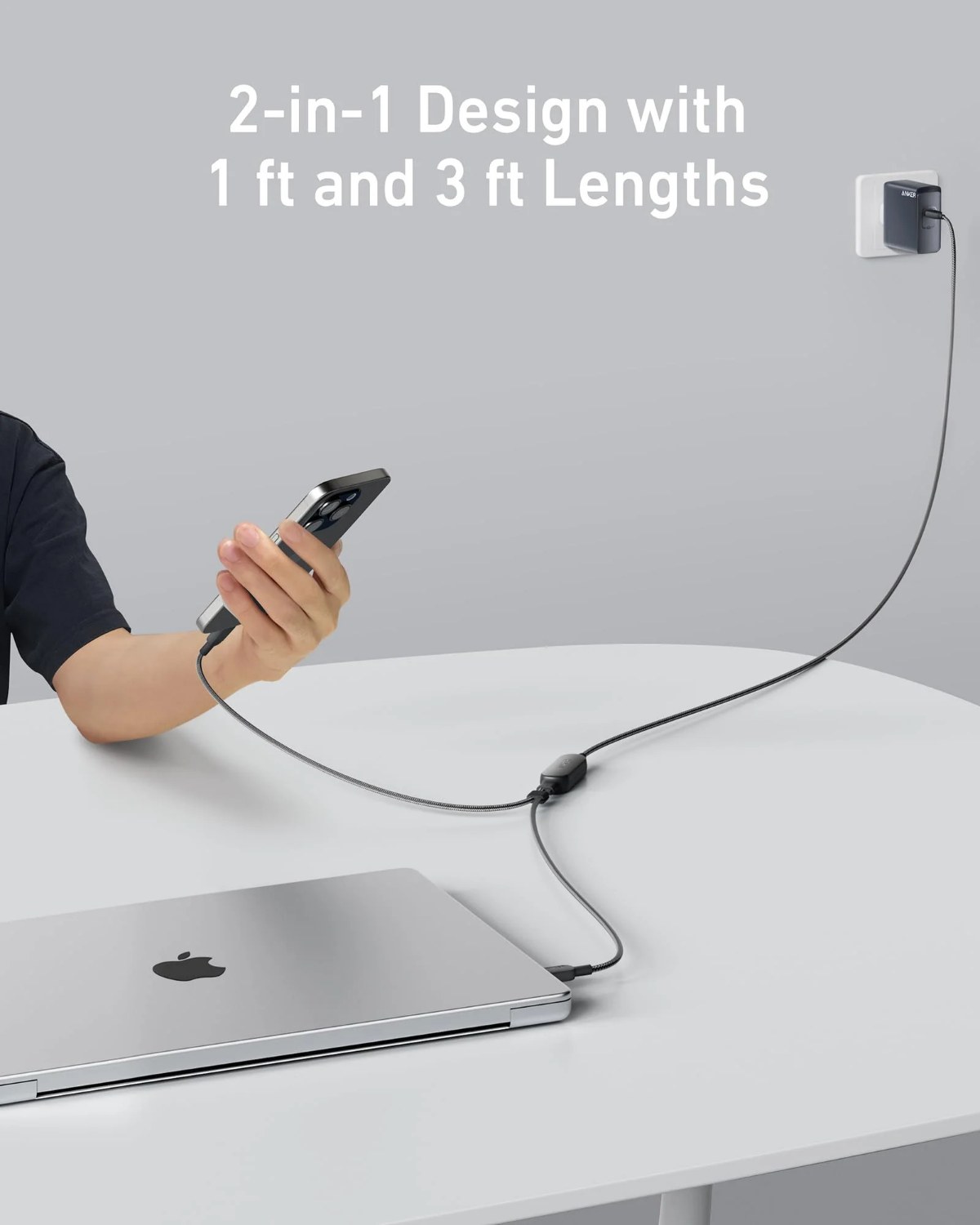
The last signal is the quietest: the charger still works, but the household has changed around it. A tablet, a laptop or a second phone on the same plug turns a 20W unit into a queue, and charging becomes something that happens overnight rather than when needed. That is where a single higher-output replacement earns its place, such as the Anker 735 Charger (Nano II 65W), which puts 65W across three ports and covers a phone, a tablet and a USB-C notebook at once. That is the point at which one plug stops being an indulgence and starts removing two others from the bag. Three ports replace three plugs. Nobody replaces a charger on the day it starts to feel slow, and that is exactly why the kitchen drawer fills with them.
Conclusion
Replacement is rarely about a single dramatic failure. It is a series of small decisions about frayed cables, warm plugs, slow sessions and devices that have outgrown the supply. Act early on the safety signals and late on the convenience ones, and a charger will last years without ever becoming a risk. The cost of a new plug is trivial next to the cost of ignoring an old one that has started to smell of hot plastic. A charger is one of the few accessories that can fail dangerously, and also one of the cheapest to replace.